
A Release Review for AI-Generated Salesforce Code
Review an AI-built Salesforce feature through its data access, failure cases, test evidence and recovery plan before treating it as ready to release.
Topic inspiration: Salesforce Ben’s discussion of AI-assisted coding for Salesforce admins, published 2 November 2026. The practical framework below is original iTeknologies editorial analysis.
An AI tool can produce a Salesforce component that looks convincing before anyone has checked how it reads data or handles a failed save. The release decision should rest on evidence about the feature’s behavior.
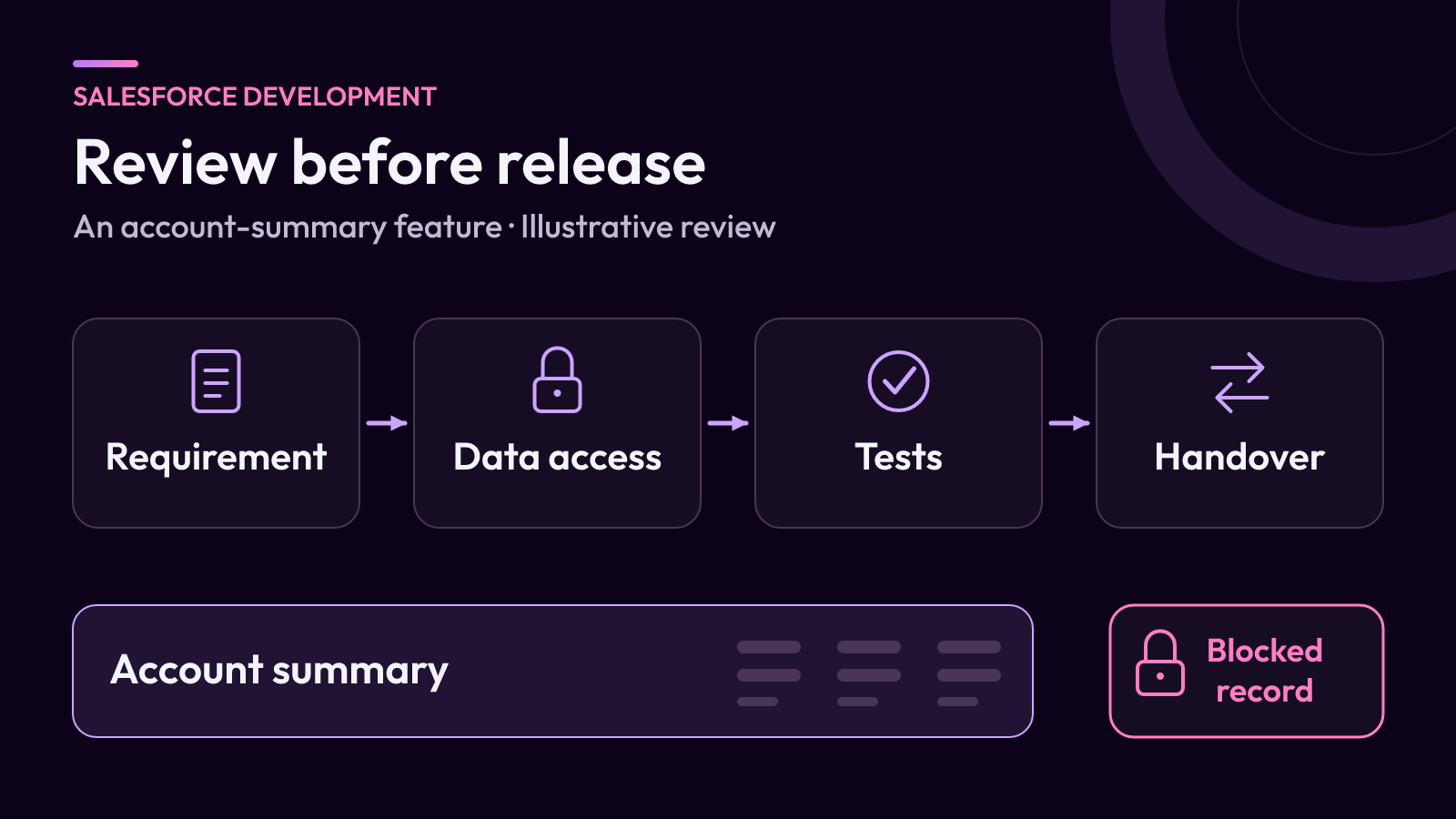
Consider a fictional request: a sales team wants an account-summary component showing open work and a small set of account fields. Use the review below to decide whether the generated implementation is ready for a controlled release.
Restate the feature without mentioning the tool
Write down the user, the records involved and the actions the feature may perform. For this example, the first version reads approved fields and displays a summary. It does not update account records, send messages or retrieve unrelated customer data.
That boundary should be visible in the implementation. Ask the reviewer to explain every query, write operation and external call. Remove unexplained behavior even if it appears useful. Generated code is still a proposed implementation of a specific requirement.
List the expected output for an ordinary account, an account with no open work and an account the user cannot access. Make those expectations part of the review record.
Inspect access in the code’s actual context
Check the class API version and execution context before relying on a familiar security rule. Salesforce’s current Secure Apex Classes guidance distinguishes behavior across API versions and separates record sharing from object and field permissions.
For the summary component, identify where each layer is handled: whether the user can call the class, whether the user may access the record, and whether each returned field is permitted. Review explicit access-mode choices and any intentional elevation of permissions.
Do not stop at finding a particular keyword. Ask what information reaches the browser for a restricted user. The review should cover data returned in error messages and diagnostic output as well as the intended summary.
If the reviewing admin cannot explain a permission decision in the generated Apex, involve a developer who can. That is a concrete review dependency, not something a successful demonstration can resolve.
Test behavior that the demonstration avoids
Build test cases from the requirements, then compare them with the generated tests. Tests written alongside the implementation can repeat the same mistaken assumption, so independently define the expected results.
Salesforce’s specialized testing guidance covers permission-based scenarios and bulk operations. Apply those ideas to the actual feature rather than adding tests only to raise a coverage number.
- An authorized user gets the permitted summary for the intended account.
- A restricted user cannot retrieve another account by changing an identifier.
- A field the user cannot read is not exposed in the response.
- No matching records produces a clear empty state.
- A missing or invalid identifier produces a useful error without sensitive details.
- Representative record volumes and repeated requests produce the expected result.
For any feature that changes data, extend the list to cover partial failures, repeated submissions and unintended related updates. These are acceptance questions to resolve and test, not claims that one code pattern handles them automatically.
Review what happens when something fails
Separate the message a user needs from the detail a maintainer needs. A user may need to know that the summary could not be loaded and what to do next. A maintainer needs a way to connect that event to a useful diagnostic record.
Use fictional or approved test data when reproducing failures. Inspect logging so the feature does not copy unnecessary customer details into places with different access or retention rules.
Document the point at which a failure should be escalated. If an external dependency is involved, define timeout and retry behavior explicitly. Do not assume that asking the model to make the code robust establishes a working recovery process.
Give the release a maintainer
Keep the reviewed version, the test evidence and the deployment scope together. Record who can maintain the feature, which configuration it depends on and how the team would restore the prior supported version.
Complete the actual user-interface checks too: loading, empty and error states; readable text; keyboard access; and the layouts people use. A code review and a visual review answer different questions, and the release needs both.
iTeknologies offers custom Apex and Lightning Web Component development and Salesforce rescue and cleanup. The useful starting point for a review is the feature requirement, the proposed change and the evidence already collected.